Partners can self-register on SCS (Snapplify Cloud Services), with their platform created automatically.
This removes the need to wait for manual setup, allowing you to move directly from registration to onboarding and start selling and distributing your content or products without delay.
Who this is for
All Snapplify partners managing and selling content, products, access, or payments.
Steps to self-register
- Go to the SCS registration page: https://scs.snapplify.com
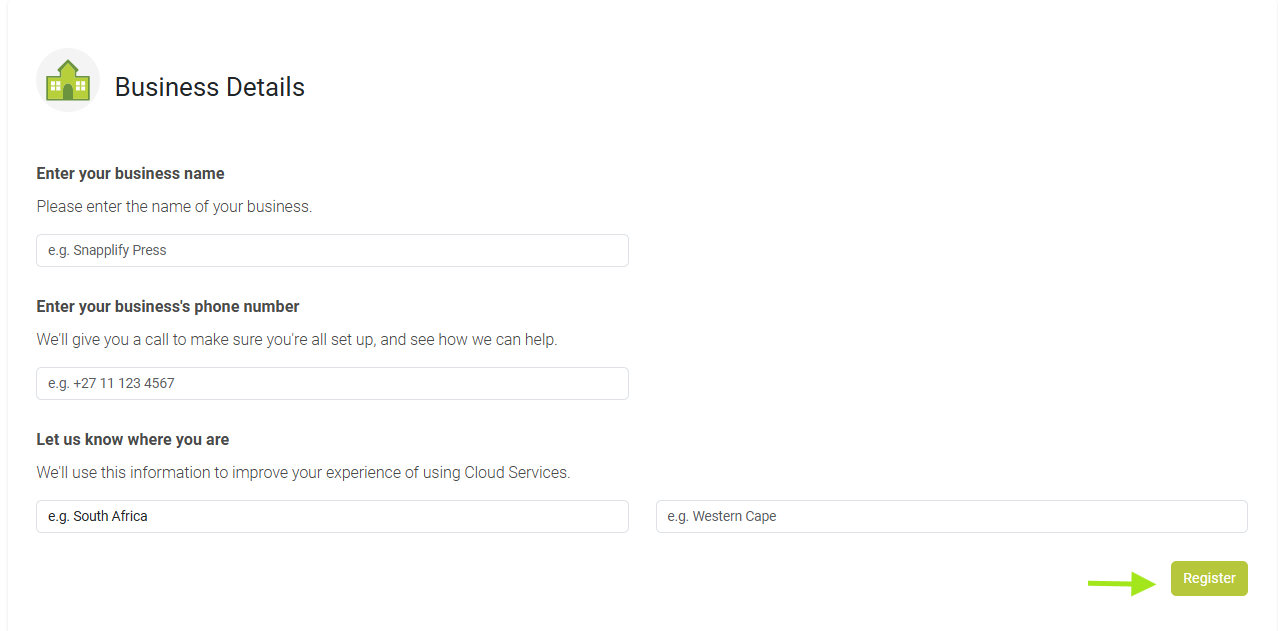
- Click “Register Business” and enter your business details
- Complete your registration by clicking "Register" to activate your SCS platform
- Once completed:
- Your SCS platform is created automatically
- Your SCS platform is created automatically
After Registration
You can now continue setting up your platform.
You can now begin your onboarding. A Snapplify team member will contact you to complete onboarding and align your platform to your business requirements.
Need help? Use the live chat in the bottom right corner of your screen, email us at help@snapplify.com or reach out via Whatsapp +27 60 011 8065.


